Let's be fair to Anki first, because it deserves it. It's free, it's open source, it's been refined for the better part of two decades, and its add-on ecosystem does things nothing else does. If Anki works for you, there is no reason to move.
The reasons people do move are usually the same three: the interface is genuinely dated, getting it configured well takes research most students don't want to do, and the mobile story on iOS costs money and still feels bolted on.
If that's where you are, here's what moving actually involves.
Step 1: export from Anki
In Anki desktop, right-click the deck you want and choose Export. Pick the Anki Deck Package (.apkg) format. Export one deck at a time if you want to keep them separate on the other side.
Step 2: import the .apkg
In StudyBuddy, start a new deck and choose Upload .apkg.
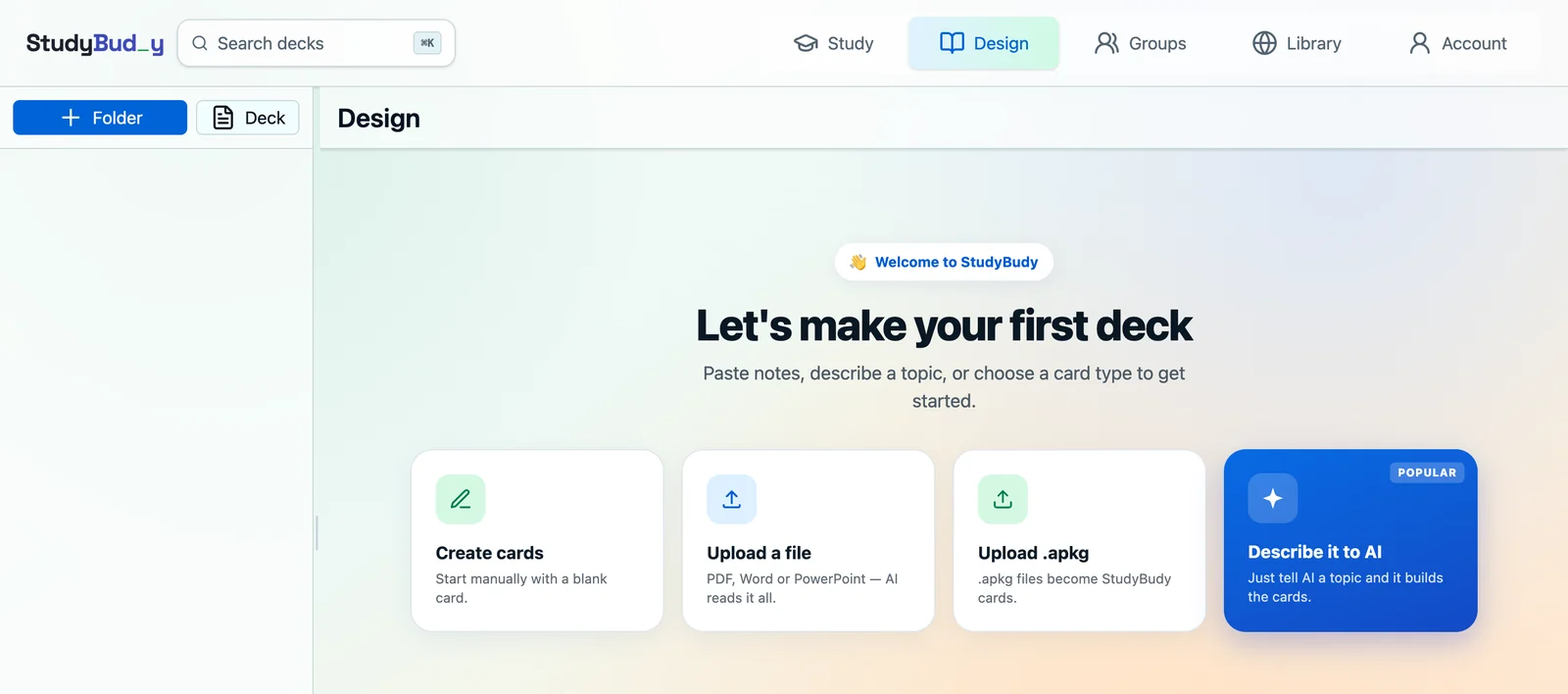
The import reads the file and reports progress as it goes. It preserves your deck and folder hierarchy and your tags, and it automatically skips cards that are exact duplicates of ones already in the target deck — so a re-import after adding a few cards won't double everything up.
What comes across, and what doesn't
| Transfers | Doesn't transfer |
|---|---|
| Card content (front/back) Cloze deletions Deck and subdeck structure Tags |
Review history and scheduling state Custom note types and card templates Add-on-specific behaviour Custom styling and card CSS |
The one that catches people is review history. Your imported cards start fresh, which means a burst of "new" cards in your first week rather than resuming mid-schedule.
Prune before you import, not after
The temptation is to bring everything across. Resist it. A migration is the one moment when deleting old cards costs you nothing emotionally, because you're rebuilding anyway.
Before exporting, go through and drop:
- Cards for courses you've already finished and won't be examined on again.
- Leeches you've failed a dozen times and never fixed — they were bad cards, not bad memory.
- Anything from a shared deck you downloaded and never actually studied.
Importing 400 cards you care about beats importing 4,000 you don't, and it makes the first-week new-card burst far more manageable.
What changes day to day
FSRS is on by default
In Anki, FSRS is something you enable and then tune. Here it's simply the scheduler — there's no setting to find and no optimiser to run. Every deck uses it, including on the free plan. If you want the detail, we wrote a full explainer on how FSRS models memory.
Rating works the same way
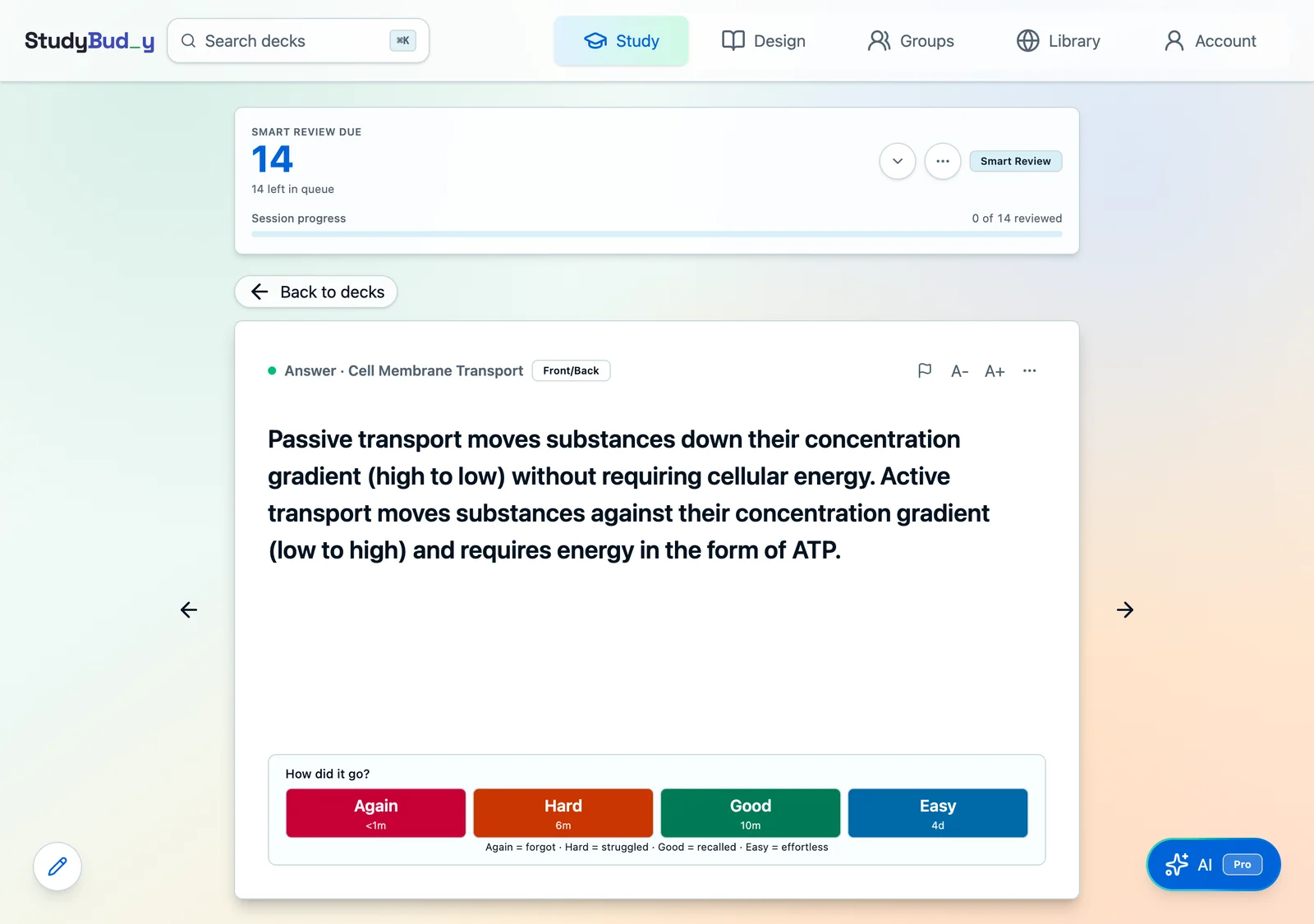
Again, Hard, Good, Easy — same four ratings, same meaning, with the next interval shown on each button so you can see what your answer costs.
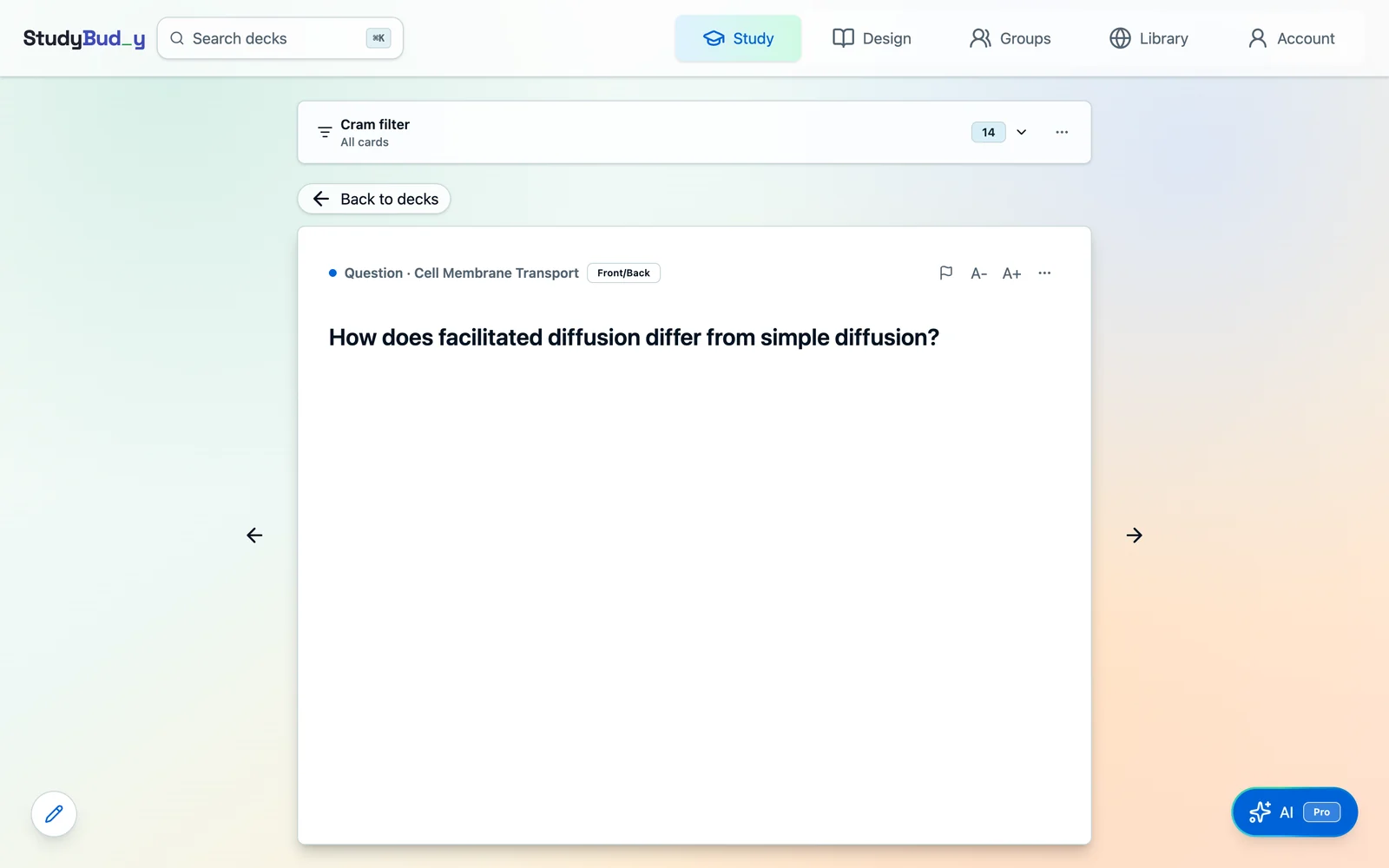
Cramming is a separate mode
Anki users tend to reach for filtered decks for extra practice. Here that's Cram mode, which is explicitly walled off from scheduling: cramming never changes your due dates, memory strength, or mastery state, so you can drill as much as you like the night before an exam without damaging the deck.
Sync is just there
Web and iOS share one account with no separate purchase and no sync server to think about. Study on your phone between classes, pick it up on a laptop later.
Shared decks work differently
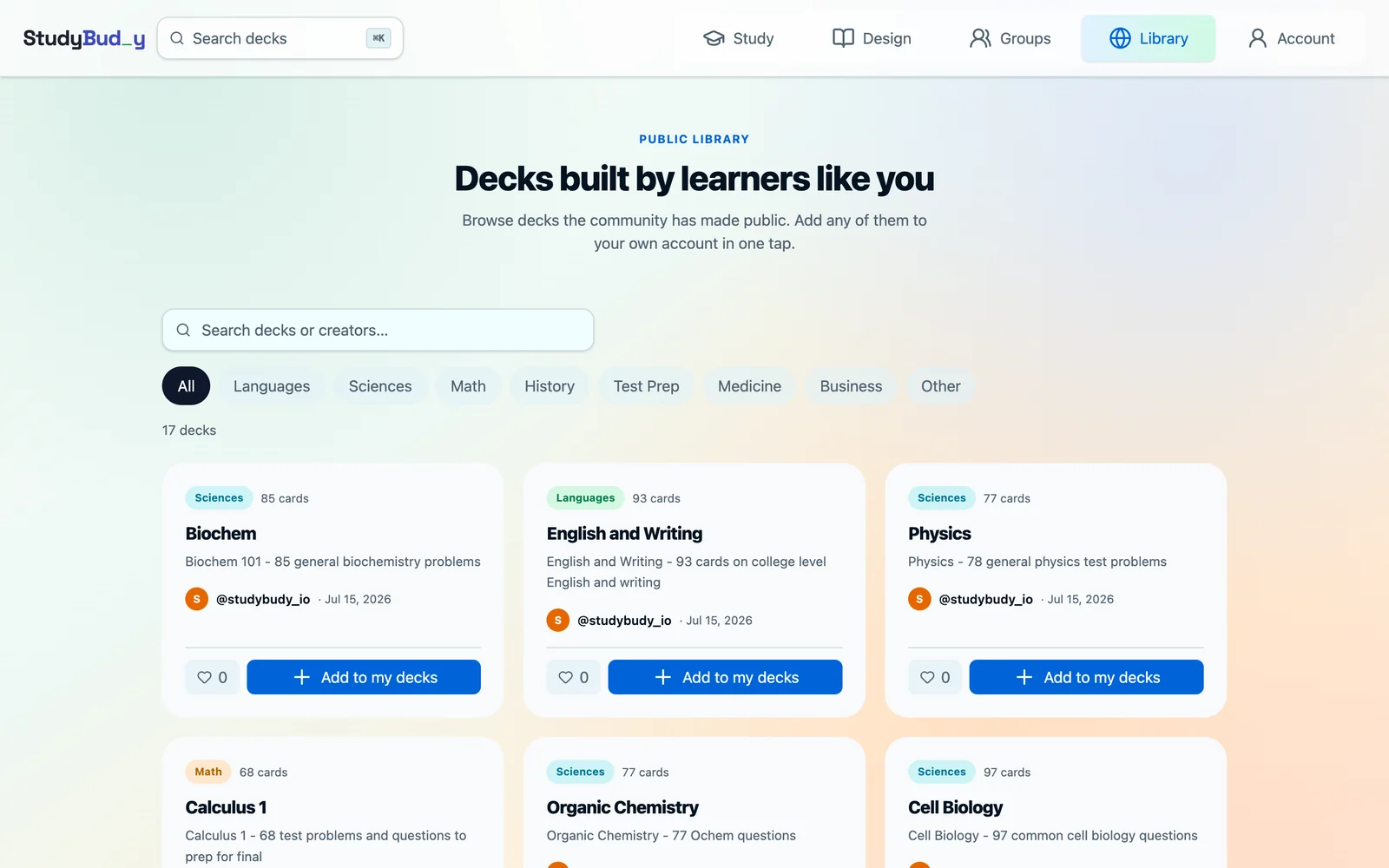
Anki's shared-deck ecosystem is enormous and one of its genuine advantages. The equivalent here is a public library of decks published by other learners, browsable by category, that you can copy into your own account in one tap. It's much smaller — that's an honest trade-off, not a claim of parity — but it's built in rather than a separate website.
What you give up
Honestly: customisation. There are no add-ons, no custom note types, no card templating language, and no local-only storage — your decks live in your account and sync. If those are the reasons you use Anki, you'll miss them, and you should probably stay.
What you gain
Setup time you don't spend, an interface that doesn't need a tutorial, scheduling that's correct without configuration, and — if you want it — AI that drafts cards from your notes so you're editing rather than typing. Making cards by hand and studying them is free; the AI features are the paid part.
Keep reading
New deck, fresh start — the eight rules for cards that stick is worth a read before you import a decade of old cards. Then set expectations with how many cards a day you should review, or skip the typing with AI-generated cards from your notes.