Making flashcards by hand is slow in a very specific way. The thinking part — deciding what's worth remembering — takes a few minutes. The typing part — phrasing each question, formatting it, keeping the wording consistent across forty cards — takes an hour.
AI is genuinely good at the second part and genuinely unreliable at the first. The workflow below is built around that split: let it do the formatting, keep the judgement for yourself.
Start from one lecture, not one textbook
The single biggest quality lever is the size of what you feed in. A whole course produces shallow cards that skim; one lecture, one chapter section, or one set of class notes produces cards that go a level deeper.
In StudyBuddy, every deck starts from the same four options — write cards by hand, upload a file, import an existing Anki deck, or describe the topic and let AI build it.
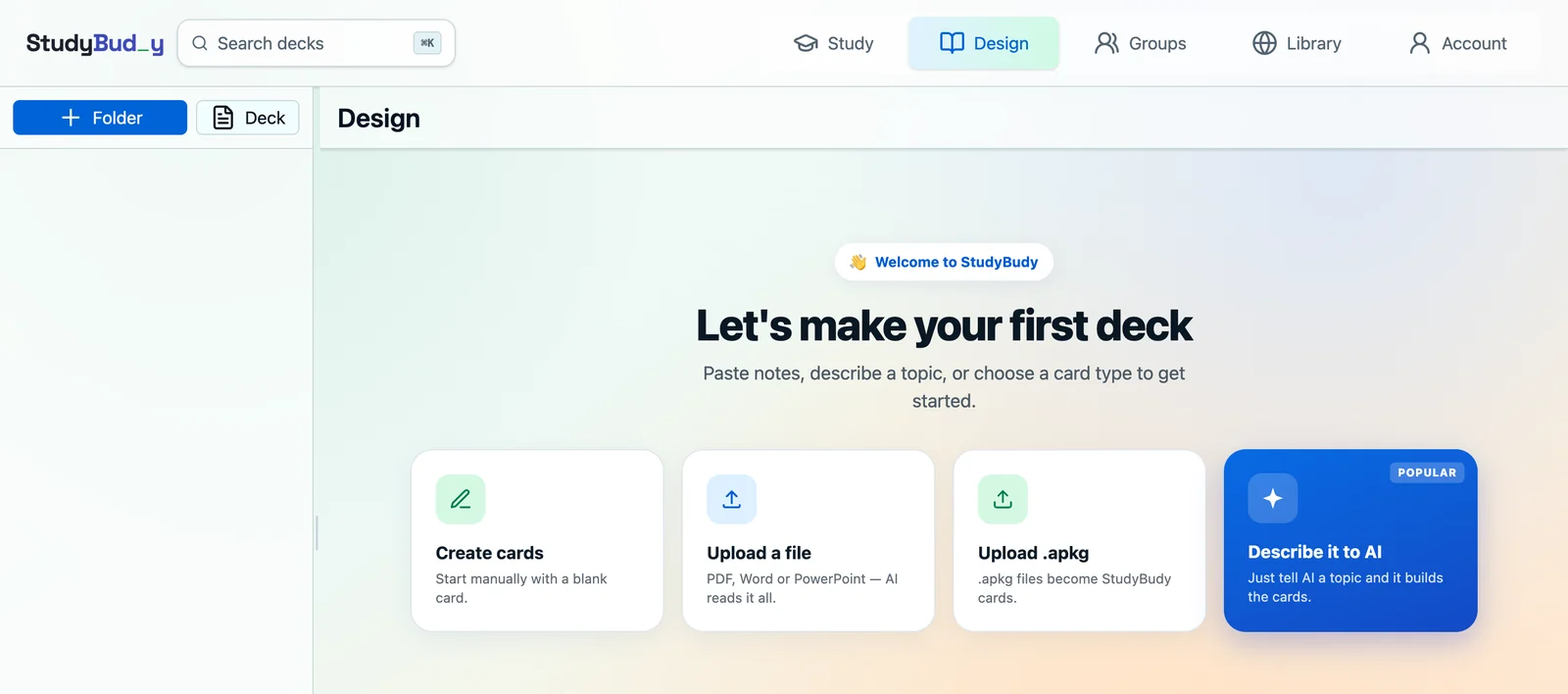
Be specific about scope, not just topic
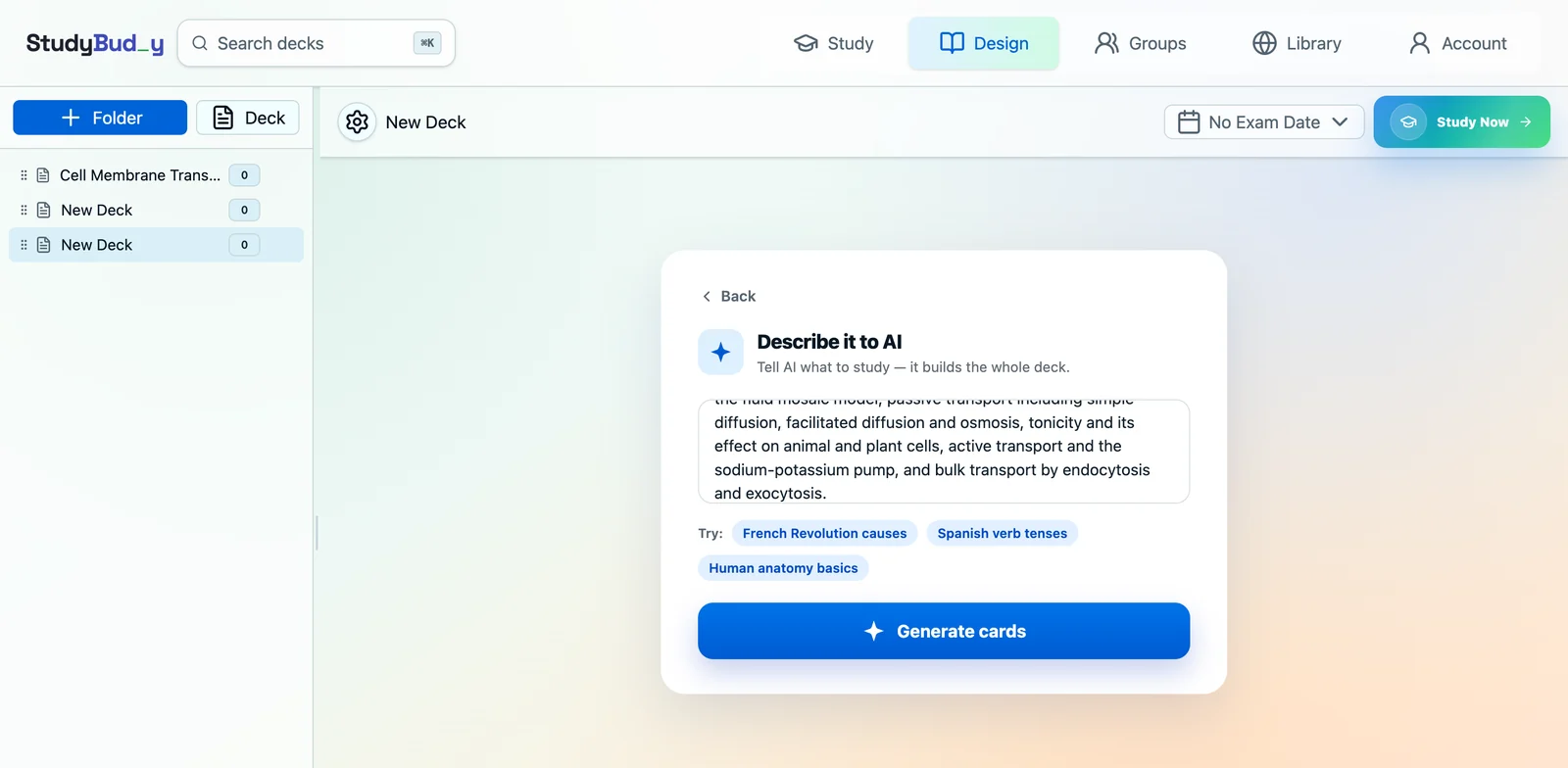
"Biology" gets you trivia. A scoped prompt gets you a study deck. The difference is naming the sub-topics you actually need to know, in the order your course covers them.
Weak prompt: "cell membranes". Strong prompt: "membrane transport for intro biology: fluid mosaic model, simple and facilitated diffusion, osmosis, tonicity, the sodium-potassium pump, endocytosis and exocytosis."
You can paste raw lecture notes straight into the same box. Messy bullet points work fine — the model is reading for facts, not prose.
What good generation actually does
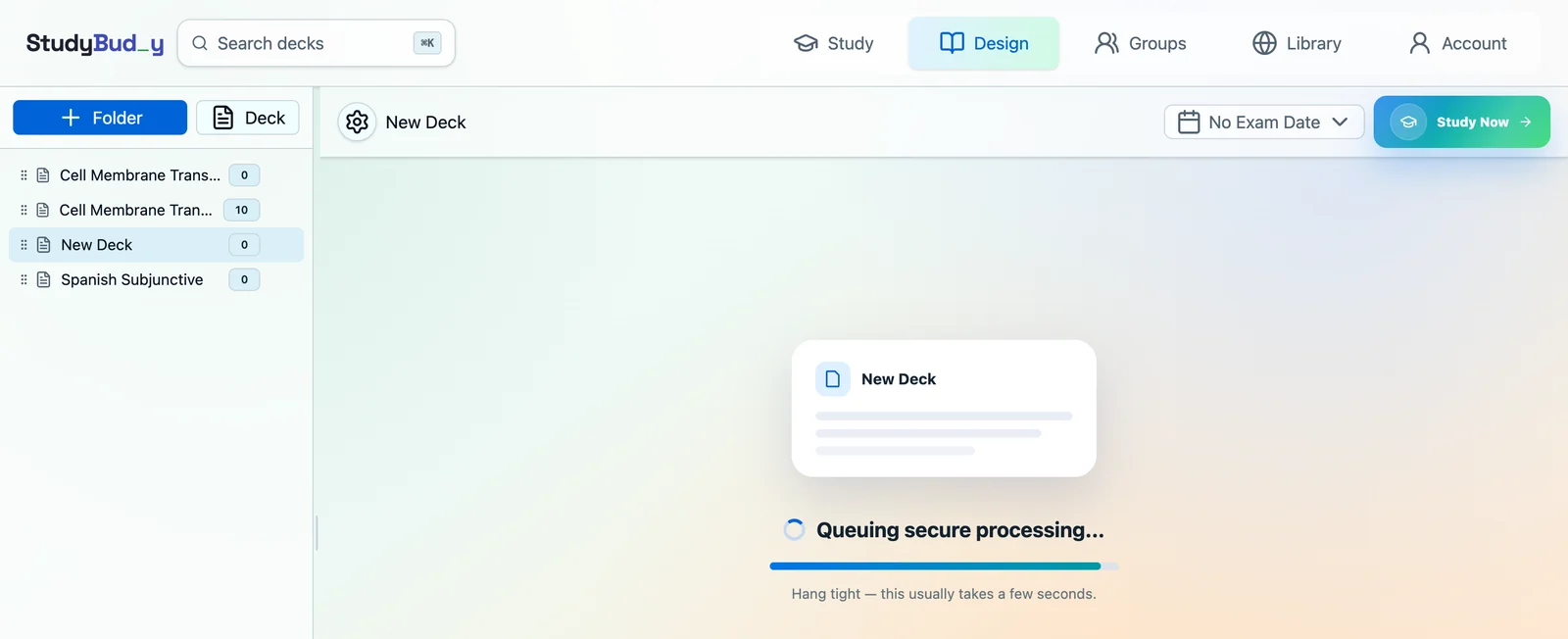
Generating a card is easy. The work that matters happens after: checking each candidate is supported by the source, correctly formatted, non-duplicative, and worth studying at all.
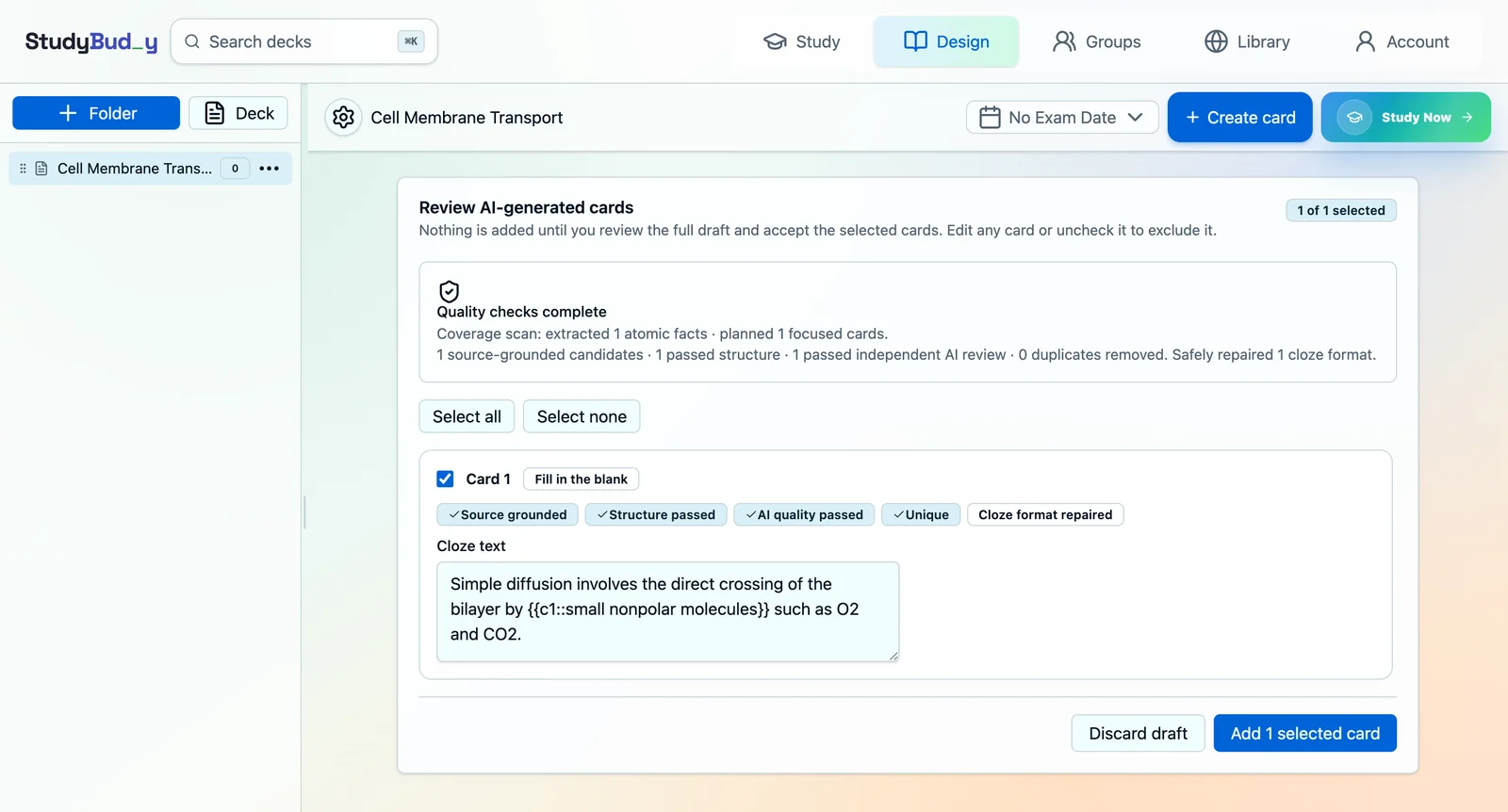
StudyBuddy runs generated cards through four stages before you ever see them — extracting facts and keeping their source locations, checking structure and cloze syntax, an independent quality review, and duplicate screening.
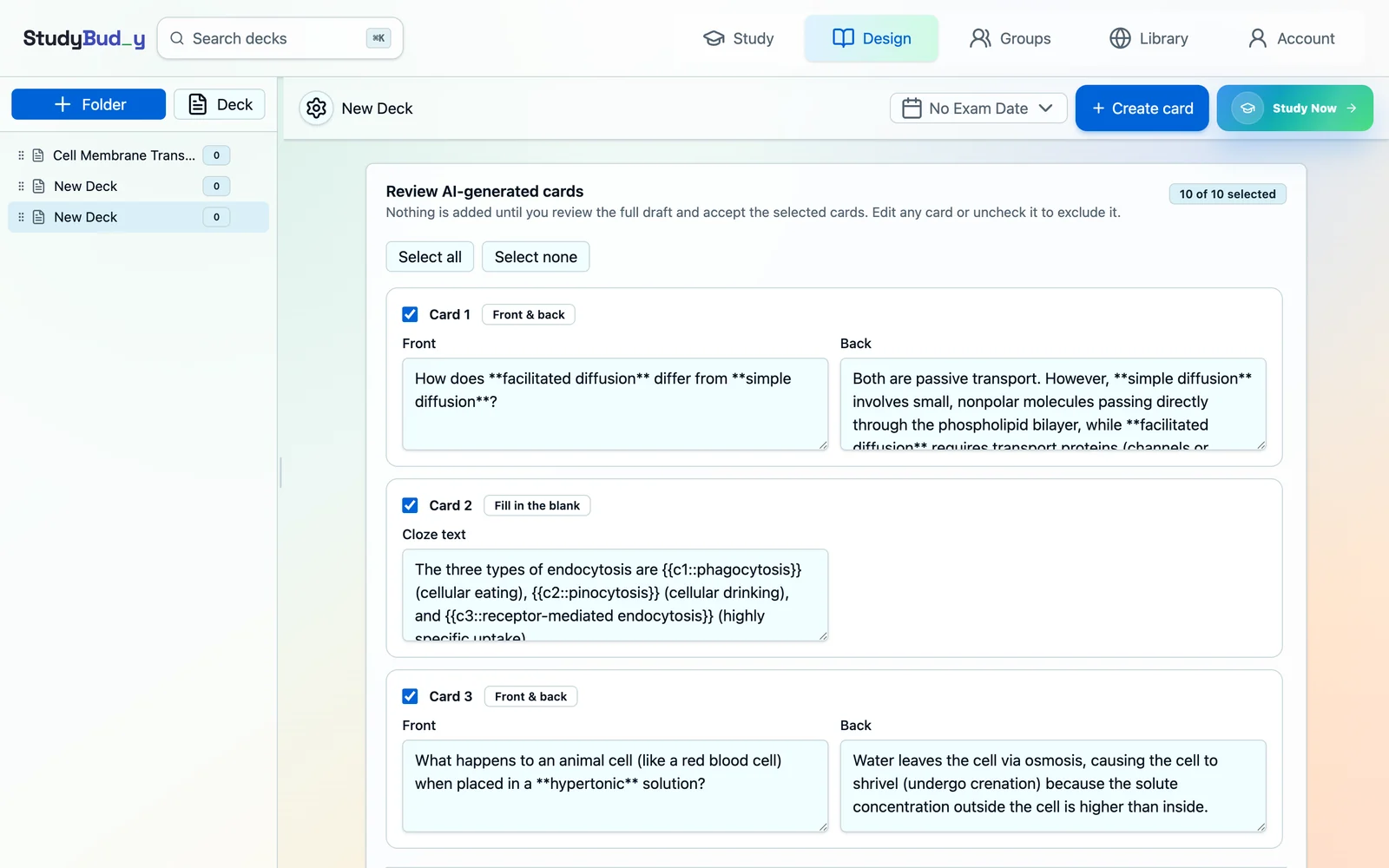
Review the draft — this is the step people skip
Nothing should reach your deck unreviewed. A generated draft is a first pass by something that has never sat your exam.
Read every card and ask one question: would I want to see this at 7am on a Tuesday? Uncheck anything that's trivia, near-duplicate, or phrased in a way you'd argue with. Cutting a third of a draft is normal and makes the remaining deck much better.
When cards are generated from an uploaded source, each one carries the checks it passed, so you can see at a glance which are grounded in your document and which needed repair.
Front-and-back or fill-in-the-blank?
Good generators mix card types, and it's worth knowing why each one appears so you can judge whether the choice was right.
- Front and back suits anything that can be phrased as a real question — comparisons, mechanisms, causes, "what happens if".
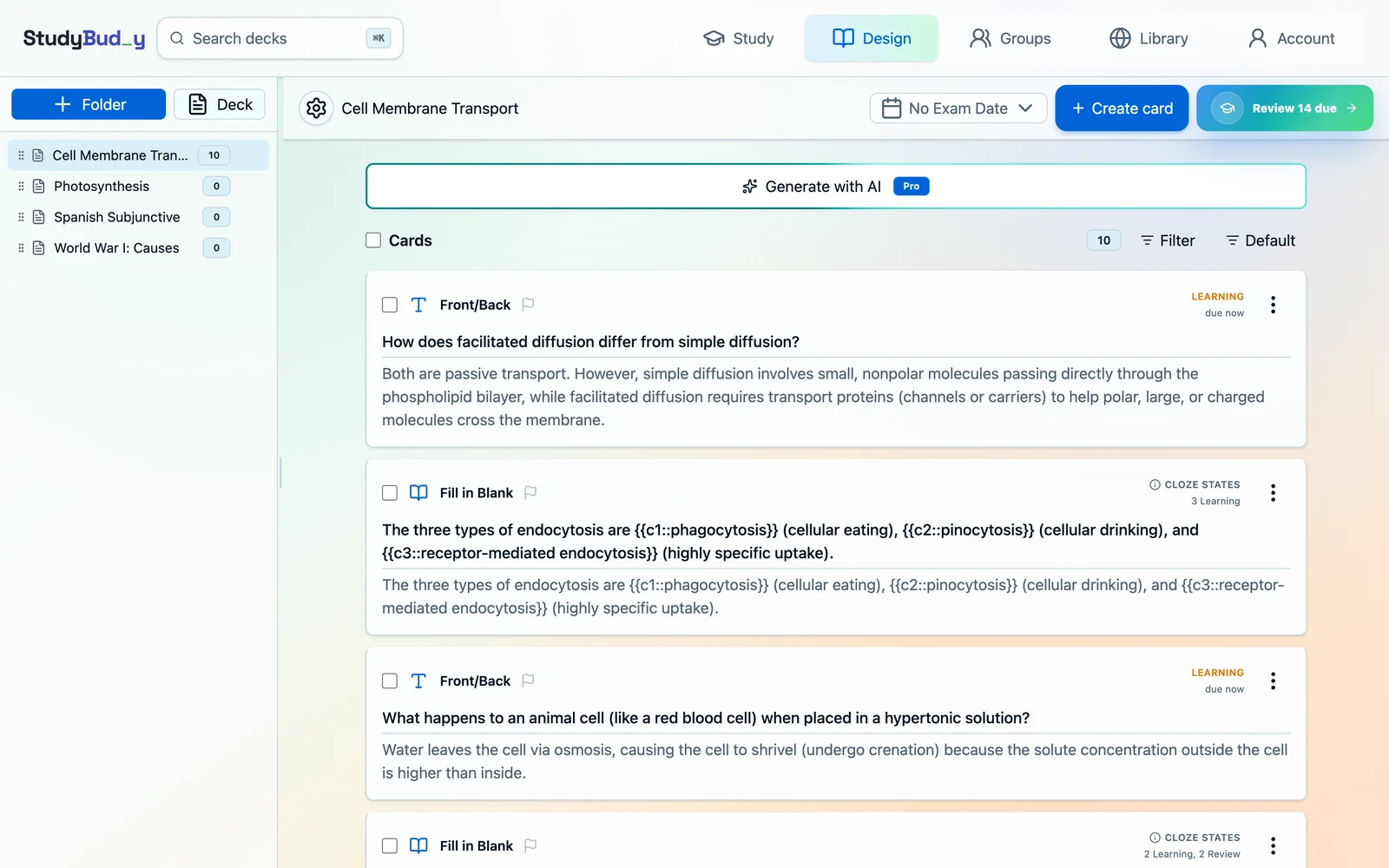
- Fill in the blank suits definitions, lists, and sequences, where the surrounding sentence gives useful context. Each blank you hide becomes its own study card with its own schedule, so a sentence with three hidden terms produces three independent cards.
That last detail matters for workload. A ten-card draft containing three multi-blank cloze cards can easily become sixteen cards in your review queue.
A worked example of editing a generated card
Generators reliably produce cards that are correct but doing too much. This is the most common shape:
Generated: "What is the key difference between passive transport and active transport regarding energy requirements and concentration gradients?"
That's two questions wearing one coat. You'll half-answer it every time, which makes rating it honestly impossible. Split it:
- "Which type of transport requires ATP — passive or active?"
- "Which direction does passive transport move a solute relative to its gradient?"
Two cards, two honest ratings, two clean schedules. Editing in the draft screen takes ten seconds and pays back every review after.
Then hand it over to scheduling
Once the cards are in, generation stops mattering and scheduling takes over. Each card gets its own review timing based on how you personally perform on it, so the deck stops being a list and becomes a queue that shrinks and grows with your memory.
That's the part that makes a generated deck worth keeping. If you want the mechanics, we wrote them up in what FSRS is and why it schedules better than fixed intervals.
Where AI still gets it wrong
- It over-generates definitions. Definitions are easy to write and easy to recognise without really knowing. Trim them and keep the cards that ask you to compare, apply, or explain.
- It doesn't know your exam. It has no idea your professor cares about one mechanism and skips another. You do — so cut accordingly.
- It writes cards that are slightly too long. If an answer has three clauses, it's usually three cards. See the rules for cards that actually stick.
What to do with the cards you cut
Rejecting a card isn't wasted work — it's a signal. If you're cutting most of what came back, the prompt was too broad or the source was too long. Narrow it and regenerate rather than accepting a mediocre draft because it's already there.
And if the draft made you realise you don't actually understand a sub-topic, that's the most valuable output of the whole exercise. Go read that section before you add its cards.
The short version
- Feed it one lecture, not one course.
- Name the sub-topics explicitly in the prompt.
- Read the whole draft and cut ruthlessly.
- Reject anything you don't already understand.
- Let the scheduler handle everything after that.
Keep reading
Eight rules for flashcards that actually stick — the craft side, including when to split a card and when to use fill-in-the-blank. Or, if your deck is already big, how many cards you should be reviewing a day.