Remember more.
Study less.
StudyBuddy turns your notes, photos and PDFs into flashcards that adapt to your memory — so every review lands right when you're about to forget.
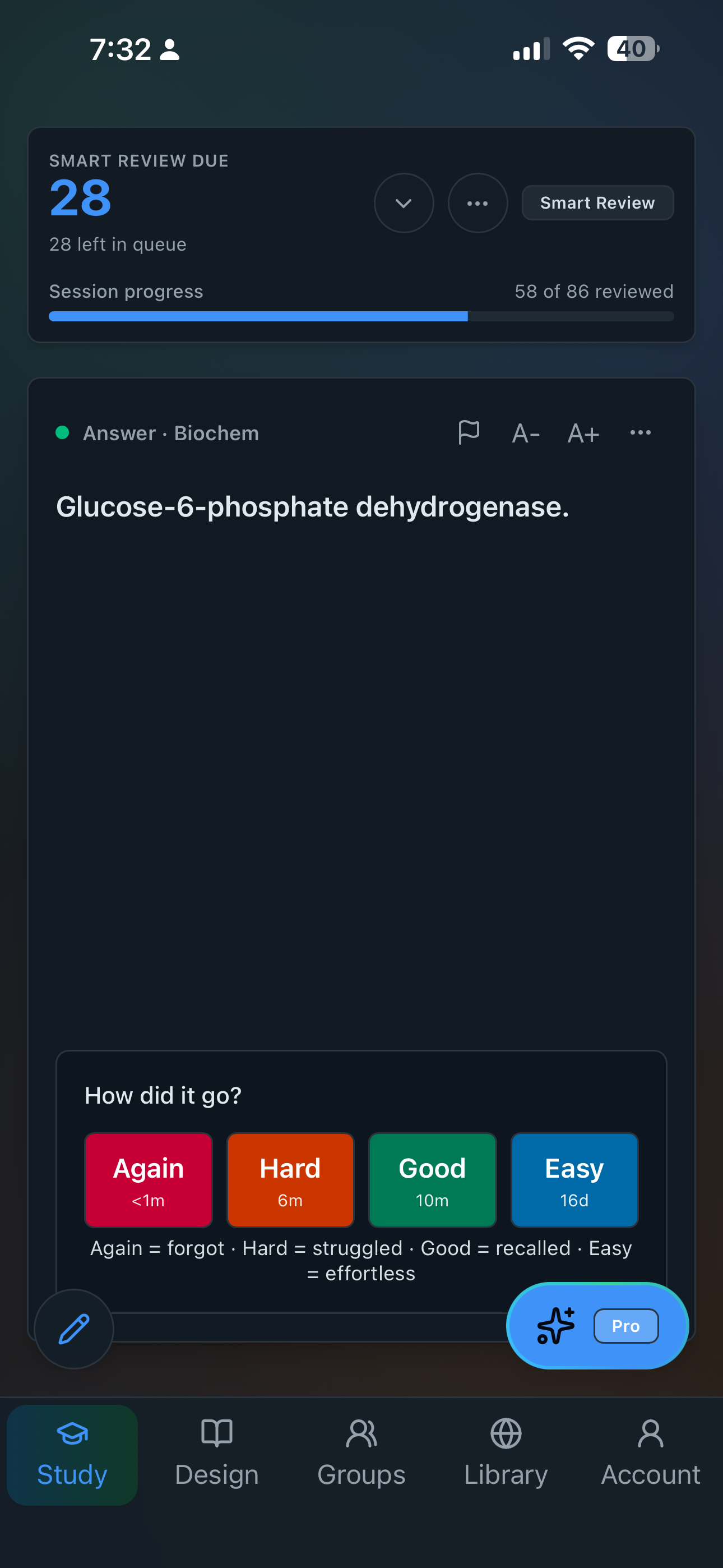
From notes to mastery in three steps
Everything you need to actually remember it
StudyBuddy Pro now helps after the deck is built too: tune difficulty, rewrite cards, create related practice, and get targeted help while you study.
Built in public, improved every week
Follow product updates, study tips, and behind-the-scenes notes as StudyBuddy grows into a calmer way to make and review flashcards.
Read the StudyBuddy blogFree to start. Pro when you're ready.
Create flashcards by hand and study with our full smart-scheduling engine at no cost. Upgrade to Pro whenever you want to give the busywork back to AI.
Frequently asked questions
What is FSRS spaced repetition?
FSRS (Free Spaced Repetition Scheduler) is a modern, open-source scheduling algorithm that builds a memory model for each flashcard from your own review history. It schedules every review for the moment you're about to forget — so you spend less time on cards you already know and more on the ones you don't. Read our deep dive on FSRS.
Is StudyBuddy free?
Yes. You can create flashcards by hand and study with the full FSRS scheduling engine at no cost and no credit card. StudyBuddy Pro adds AI generation, card rewording, difficulty changes, similar-card follow-ups, and tutoring whenever you want to hand the busywork back to AI.
Can StudyBuddy turn my notes and PDFs into flashcards?
Yes. Upload a PDF, snap a photo of handwritten notes, or just describe a topic, and StudyBuddy's AI generates clean, accurate flashcards in seconds — so you can study instead of building cards.
How is StudyBuddy different from Anki or Quizlet?
StudyBuddy pairs modern FSRS spaced repetition with AI flashcard generation, AI difficulty and rewording tools, study groups with shared decks, and a public deck library — all in one app that syncs across iOS and the web.
Does StudyBuddy work on iPhone and the web?
Yes. StudyBuddy runs on iOS and in any modern web browser, and your decks and review progress stay in sync across devices so you never lose your place.
Start remembering more, today
Free to download. No credit card required.